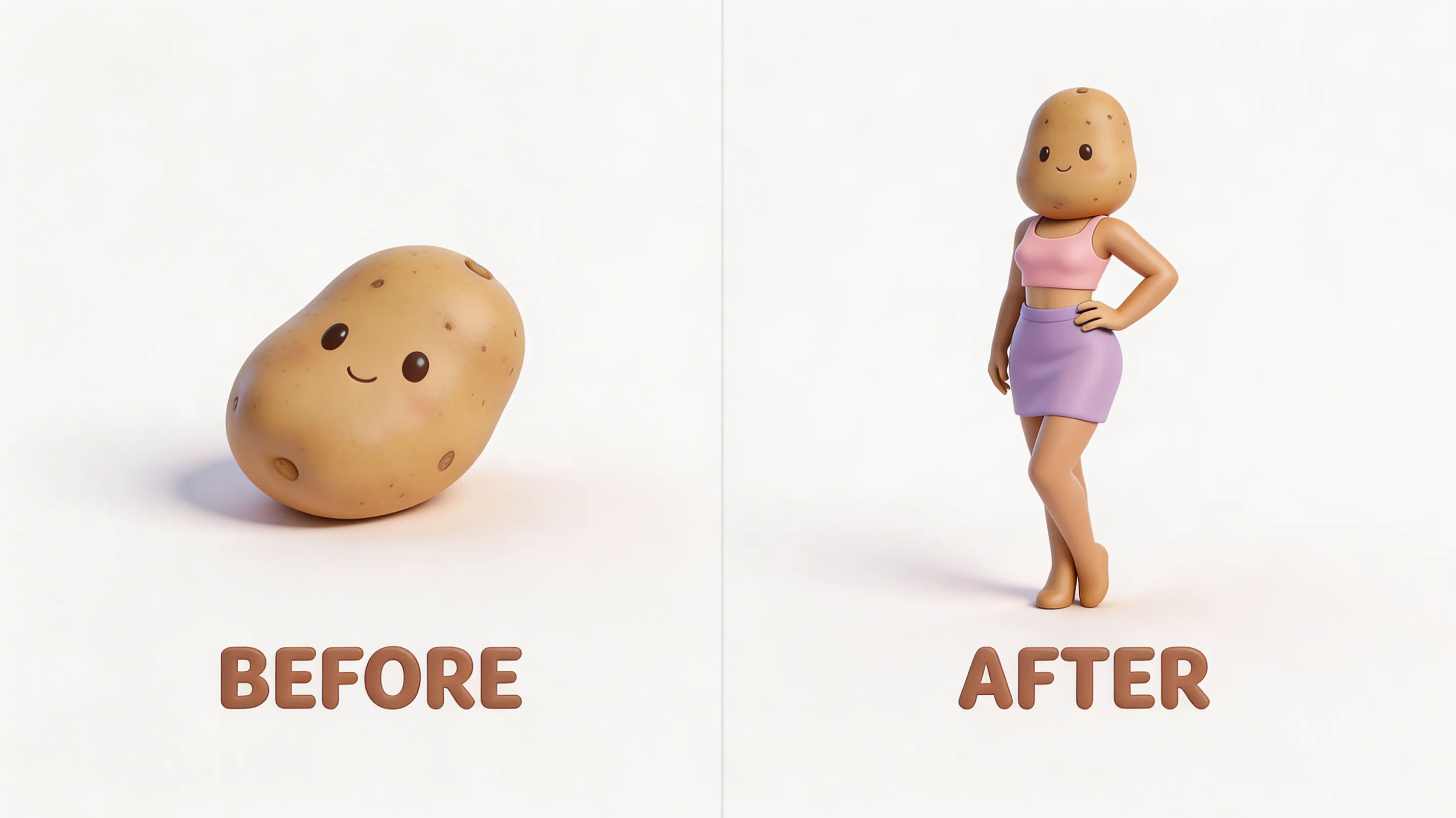
Your engineer just sent you the CAD file. It's beautiful. Every screw hole perfectly placed, every tolerance calculated to the micron. You open it and...
It looks like a gray potato.
This is the moment of despair every hardware company faces. The gap between "functional engineering file" and "marketing-ready visual" feels like the Grand Canyon. Your product is amazing, but your CAD file looks like it was designed by someone who hates joy.
Why CAD Files Look Terrible (And It's Not Your Engineer's Fault)
CAD software is built for precision, not pretty pictures. Engineers need to see every edge, every surface, every technical detail. Marketing needs to see desire, quality, aspiration.
Same file. Completely different goals.
"A CAD file tells you what a product is. A 3D render tells you why you want it."
Here's what happens when you open a typical CAD file:
- Flat lighting: Everything looks like gray plastic
- No materials: Metal looks like plastic, plastic looks like sadness
- Missing context: No environment, no scale, no life
- Technical artifacts: Construction lines, reference geometry, exploded views
The Transformation Process (AKA: Potato to Supermodel)
Turning a CAD file into a marketing asset isn't magic—it's a systematic process we've refined over hundreds of projects:
Step 1: Import & Cleanup
We take your STEP, IGES, or native CAD file and import it into our 3D pipeline. This is where we fix geometry issues, close gaps, and prepare the model for rendering. Most CAD files need some love before they're render-ready.
Step 2: Material Definition
This is where the magic starts. We assign physically accurate materials:
- Brushed aluminum with proper anisotropic reflections
- Soft-touch plastic with subtle surface imperfections
- Glass with realistic caustics and transparency
- Chrome that actually looks like chrome (not a mirror)
Step 3: Lighting & Environment
We place your product in a lighting environment that makes it look premium. Studio lighting for clean product shots. Environmental lighting for lifestyle contexts. The goal is always the same: make the product desirable.
Step 4: Rendering & Post
High-resolution renders with proper depth of field, color grading, and post-processing. The result is an image that looks like it was shot in a professional studio—except it came from your CAD file.
The Bottom Line
Your CAD file isn't bad. It's just speaking the wrong language. We translate engineering precision into marketing gold.
Same product. Completely different perception.
Have a CAD File That Needs a Glow-Up?
Send us your STEP file. We'll show you what's possible.
Get a Quote