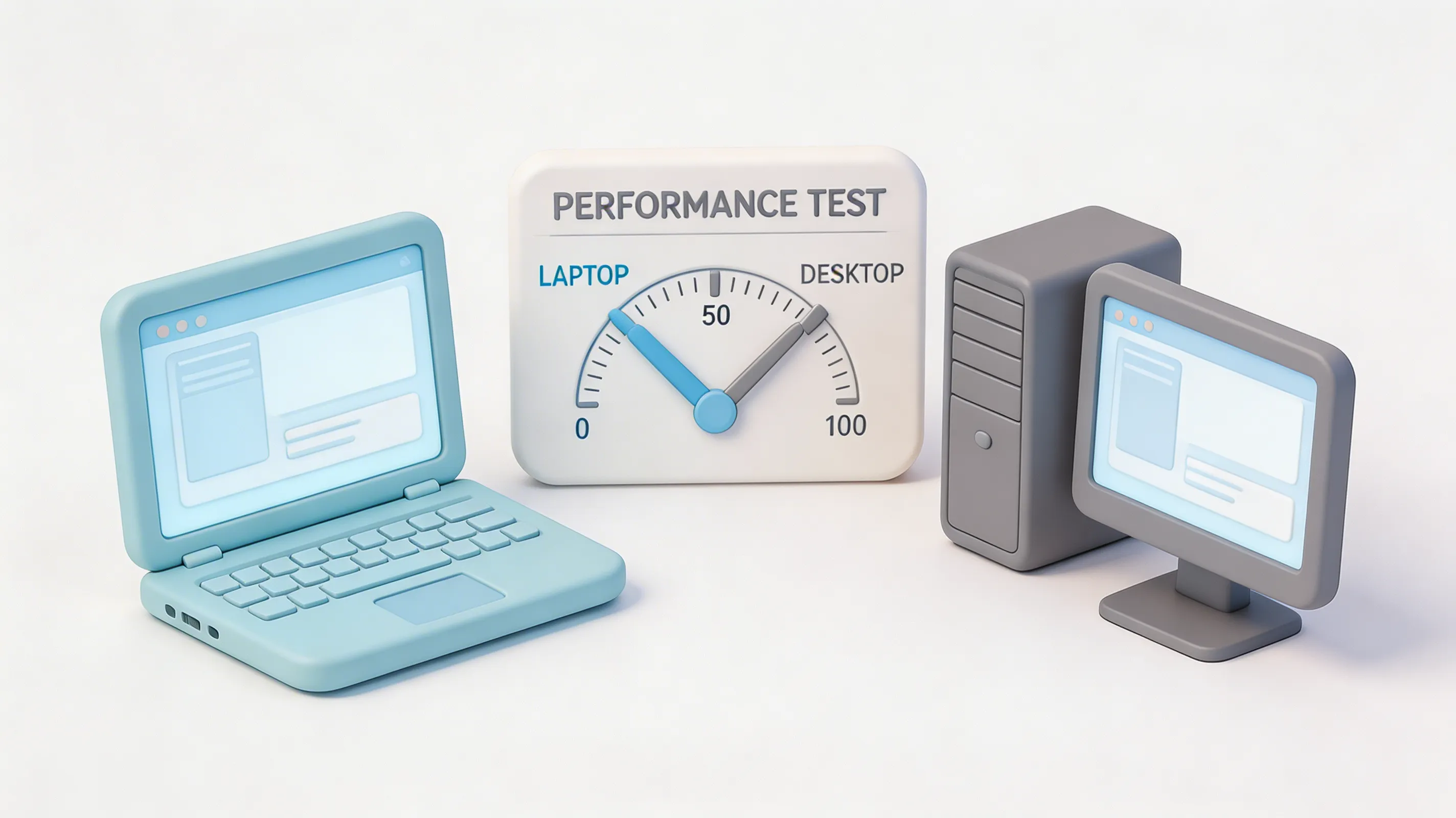
"Can I do professional 3D work on a laptop?"
We get this question at least once a week. The answer is complicated, so we bought the best mobile workstation money can buy and tested it against our desktop rigs.
Spoiler: The truth hurts.
The Contenders
| Spec | Desktop Workstation | Mobile Workstation |
|---|---|---|
| CPU | AMD Ryzen 9 7950X (16 cores) | Intel Core i9-14900HX (24 cores) |
| GPU | RTX 4090 (24GB) | RTX 4090 Laptop (16GB) |
| RAM | 64GB DDR5 | 64GB DDR5 |
| Storage | 2TB NVMe Gen4 | 2TB NVMe Gen4 |
| Price | ~$4,500 | ~$5,200 |
| Weight | 40 lbs (with monitor) | 6.6 lbs |
On paper, they're close. In practice? Not even in the same league.
The Performance Reality
We ran the same 3D workloads on both machines. Here's what happened:
| Test | Desktop | Laptop | Difference |
|---|---|---|---|
| Blender BMW Render (GPU) | 18 seconds | 34 seconds | 89% slower |
| Blender Classroom (GPU) | 2:12 | 4:45 | 116% slower |
| Heavy Scene Viewport | 45 fps | 22 fps | 51% slower |
| 4K Video Export | 8:30 | 14:20 | 69% slower |
| VRAM-Limited Scene | Works (24GB) | Crashes (16GB) | Doesn't work |
The "RTX 4090" in that laptop? It's not a 4090. It's a 4080 with marketing spin. Same architecture, way less power.
The Thermal Problem
Here's what the spec sheets don't tell you: laptops throttle. Constantly.
After 10 minutes of rendering:
- Desktop GPU: 95% performance sustained
- Laptop GPU: 65% performance (thermal throttling)
That 34-second render? It becomes 52 seconds after the laptop heats up. That 4:45 classroom render? Try 7+ minutes.
And the fan noise? You'll need noise-canceling headphones. Or a different room.
When Laptops Actually Make Sense
Okay, so desktops crush laptops for raw performance. But laptops aren't useless. They're just for different workflows:
1. Client Presentations
Walking into a meeting with a $5,000 laptop looks professional. Showing renders on a 17" 4K screen impresses clients. You can't do that with a desktop.
2. Light Modeling & Scene Prep
Blocking out scenes, simple modeling, material setup—laptops handle this fine. Just don't try to render on them.
3. Remote Work (The Right Way)
Use the laptop to remote into your desktop or render farm. All the portability, none of the performance penalty.
4. Travel Workflows
Sometimes you need to work on a plane, in a hotel, at a coffee shop. A laptop lets you. A desktop doesn't.
The VRAM Trap
This is the killer. That laptop "4090" has 16GB VRAM. The desktop 4090 has 24GB.
Sounds like a small difference. It's not.
We tried loading a complex architectural scene with 18GB of textures and geometry:
- Desktop: Loaded fine, rendered in 6 minutes
- Laptop: Out of memory error, wouldn't open
That scene wasn't even that big. Modern product visualization regularly hits 20GB+.
16GB VRAM in 2026 is a joke for professional 3D work.
The Honest Workflow
Here's how we actually work at CG Experts:
Desktop (Primary):
- Heavy modeling
- Complex scenes
- All rendering
- Video editing
- AI upscaling/denoising
Laptop (Secondary):
- Client meetings
- Quick edits
- Reviewing renders
- Email and admin
- Remote desktop to workstations
The laptop is a $5,000 accessory to our $15,000 workstations. That's the honest reality.
What You Should Actually Buy
If you only have $5,000: Buy a desktop. Don't even think about a laptop. You'll get 2-3x the performance.
If you have $8,000: Buy a $5,000 desktop and a $3,000 laptop. Best of both worlds.
If you travel constantly: Buy a laptop, but plan to render in the cloud or remotely. Don't expect to do heavy work locally.
If you're a student: Buy a used desktop and a cheap laptop for notes. Thank us later.
The Bottom Line
"Laptops are for showing work. Desktops are for making work."
Can you do 3D work on a laptop? Yes. Should you? Only if you have no other choice.
For the price of a high-end mobile workstation, you can build a desktop that renders 3x faster AND buy a mid-range laptop for portability. That's the smart play.
Don't let marketing fool you. Physics doesn't care about your brand loyalty.
Don't Have $5,000 for Hardware?
We invested in the workstations so you don't have to. Send us your scenes, we'll render them fast.
Get a Quote