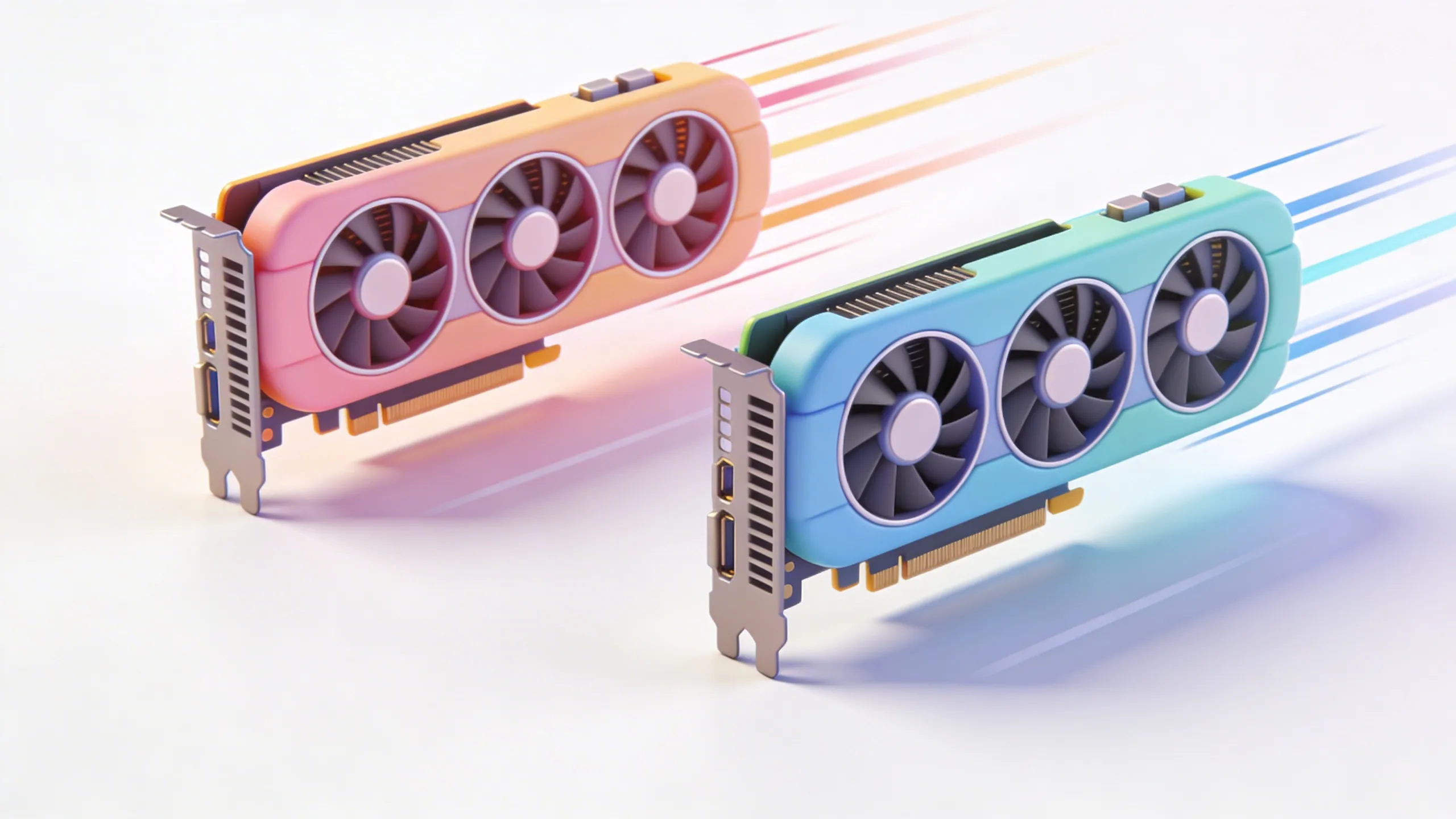
NVIDIA dropped the RTX 5090 and everyone lost their minds. 32GB VRAM. Faster ray tracing. Better AI performance. But is it actually worth $2,000 more than a 4090 for 3D work?
We tested both cards on real production workloads. No synthetic benchmarks. No gaming scores. Just actual 3D work that we do every day.
The Specs (For the Nerds)
| Spec | RTX 4090 | RTX 5090 |
|---|---|---|
| VRAM | 24GB GDDR6X | 32GB GDDR7 |
| CUDA Cores | 16,384 | 21,760 |
| Ray Tracing Cores | 128 (3rd Gen) | 170 (4th Gen) |
| Tensor Cores | 512 (4th Gen) | 680 (5th Gen) |
| Price | ~$1,600 | ~$3,600 |
On paper, the 5090 looks like a monster. But paper specs don't pay the bills. Let's see how it actually performs.
Blender Rendering: The Real Test
We rendered the same complex product scene on both cards. 4K resolution, full ray tracing, caustics enabled—the works.
| Test | RTX 4090 | RTX 5090 | Improvement |
|---|---|---|---|
| Blender Cycles (OptiX) | 4:32 | 3:18 | 27% faster |
| Blender Eevee Next | 1:45 | 1:22 | 22% faster |
| Viewport FPS (heavy scene) | 24 fps | 31 fps | 29% faster |
Okay, so the 5090 is faster. But 27% faster for 125% more money? That's... not great math.
Where the 5090 Actually Shines
Raw rendering speed isn't where the 5090 wins. It wins in the edge cases that matter for pro work:
1. VRAM-Heavy Scenes
32GB vs 24GB doesn't sound like much until you're working with massive CAD assemblies or detailed environments. We loaded a 28GB architectural visualization scene:
- 4090: Out of memory, had to use CPU fallback (18 minutes)
- 5090: Fit in VRAM, rendered in 4 minutes
That's not a 27% improvement. That's the difference between impossible and possible.
2. AI Denoising & Upscaling
The new 5th-gen Tensor Cores are legitimately impressive for AI workloads:
- OptiX denoising: 40% faster
- Stable Diffusion generation: 55% faster
- AI upscaling renders: 35% faster
If you're using AI tools in your pipeline (and you should be), this matters.
3. Multi-GPU Setups
Here's the dirty secret: two 4090s ($3,200) beat one 5090 ($3,600) for most rendering tasks. But dual 4090s need a massive PSU, special cooling, and don't help with VRAM-limited scenes.
One 5090 is cleaner, simpler, and handles those edge cases better.
The Honest Verdict
"The 5090 isn't 2x faster. It's 25% faster with 33% more VRAM for 2.25x the price."
Should you upgrade?
Upgrade if:
- You're hitting VRAM limits regularly
- You use AI denoising/upscaling heavily
- You're building a new workstation anyway
- Your clients pay by the hour (time savings = money)
Don't upgrade if:
- Your 4090 handles your current workloads fine
- You're on a budget (obviously)
- You mostly do CPU rendering
- You can wait for the 6090 (there's always a next card)
What We'd Build Today
If we were building a new 3D workstation right now:
- Budget build: RTX 4080 Super ($1,200) — 80% of the performance for 33% of the price
- Sweet spot: RTX 4090 ($1,600) — still the best value for pro 3D work
- No compromises: RTX 5090 ($3,600) — if you need the VRAM and AI performance
The Bottom Line
The 5090 is a great card. It's just not a great value. NVIDIA knows professionals will pay the premium, and they're right—we will. But that doesn't mean you should.
Unless you're hitting VRAM walls or doing heavy AI work, the 4090 is still the smarter buy. Save the $2,000 and put it toward a faster CPU, more RAM, or—crazy idea—a vacation.
Need Rendering Power Without the Hardware Investment?
We have the hardware so you don't have to. Send us your scenes, we render them on our farm.
Get a Quote